What's new in LaterRex: a new Library, better imports and crediting social media
The last time I posted, I was complaining that opening my library meant scrolling past a thousand posters in the order I'd added them. The Queue was a step in the right direction. Fixing the rest, however, was quite the undertaking.
An undertaking that covers everything from 1.2.2 to 1.3.2, which is on the App Store now. The three changes I'd like to highlight are the new Library home, imports that bring your history across in all its detail, and being able to credit TikTok, Reddit or a podcast for a recommendation instead of only a person. Read the full post for a few more goodies at the end.
A Library that's better at showing you what you're looking for
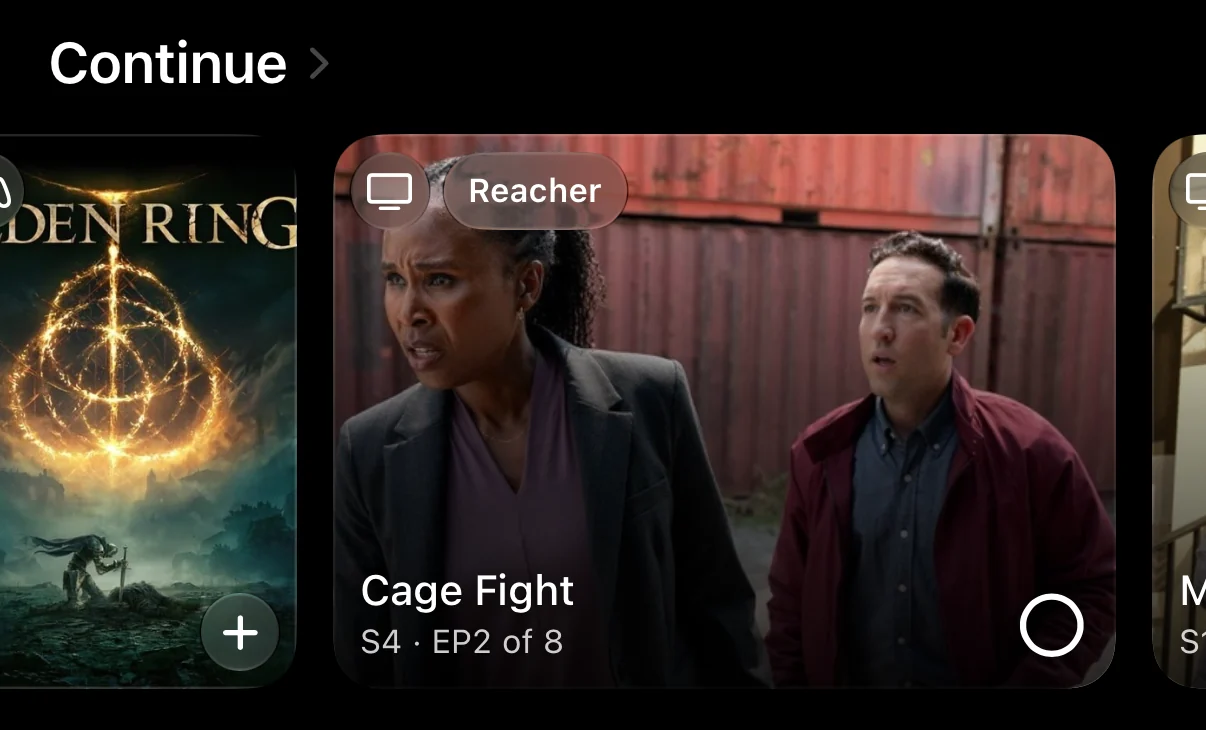
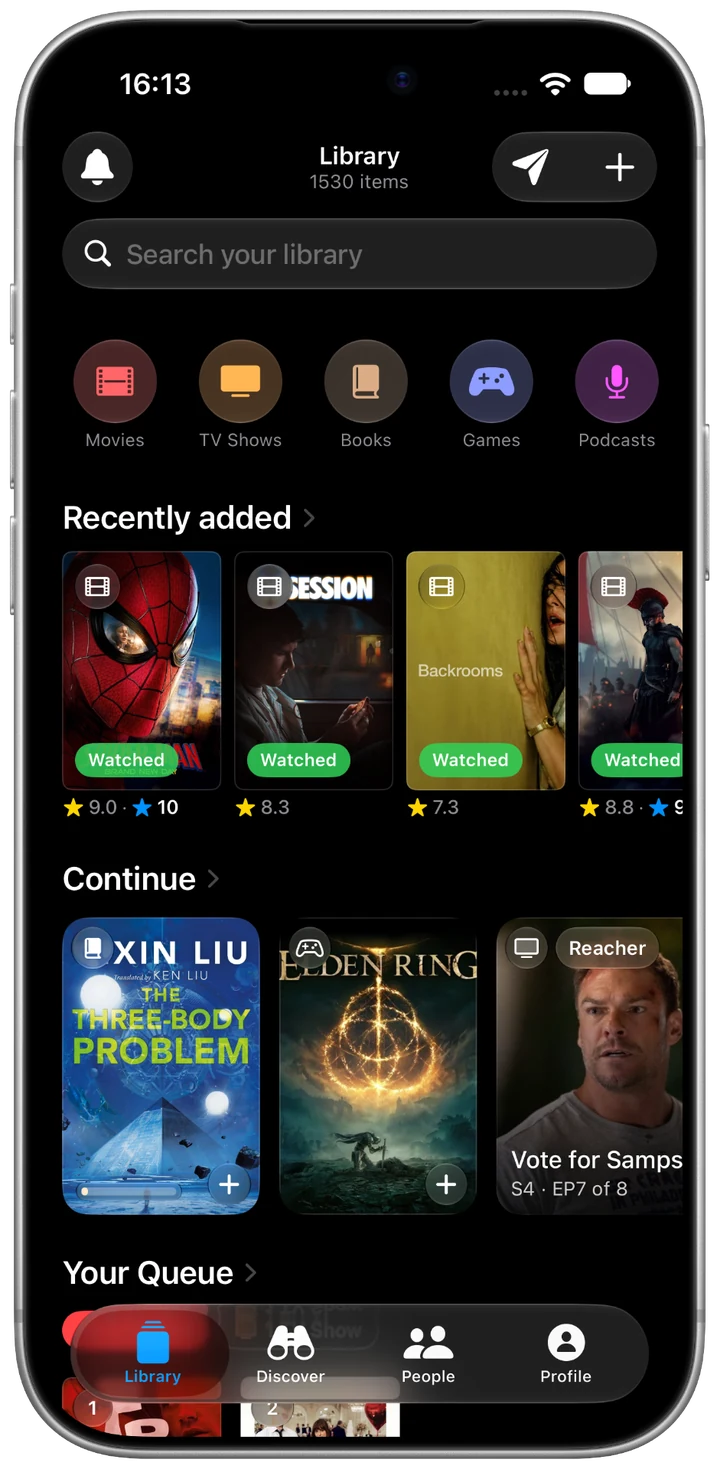
The new Library home (I called it the Library Hub the whole time I was building it) starts with what's moving. 'Continue' moved across from the Discover tab and now has everything you're part way through, not just TV shows. A show tells you the next episode and you can tick it off right there, and books and games get a button to log the page you're on or the hours you've put in. Your Queue sits under that.
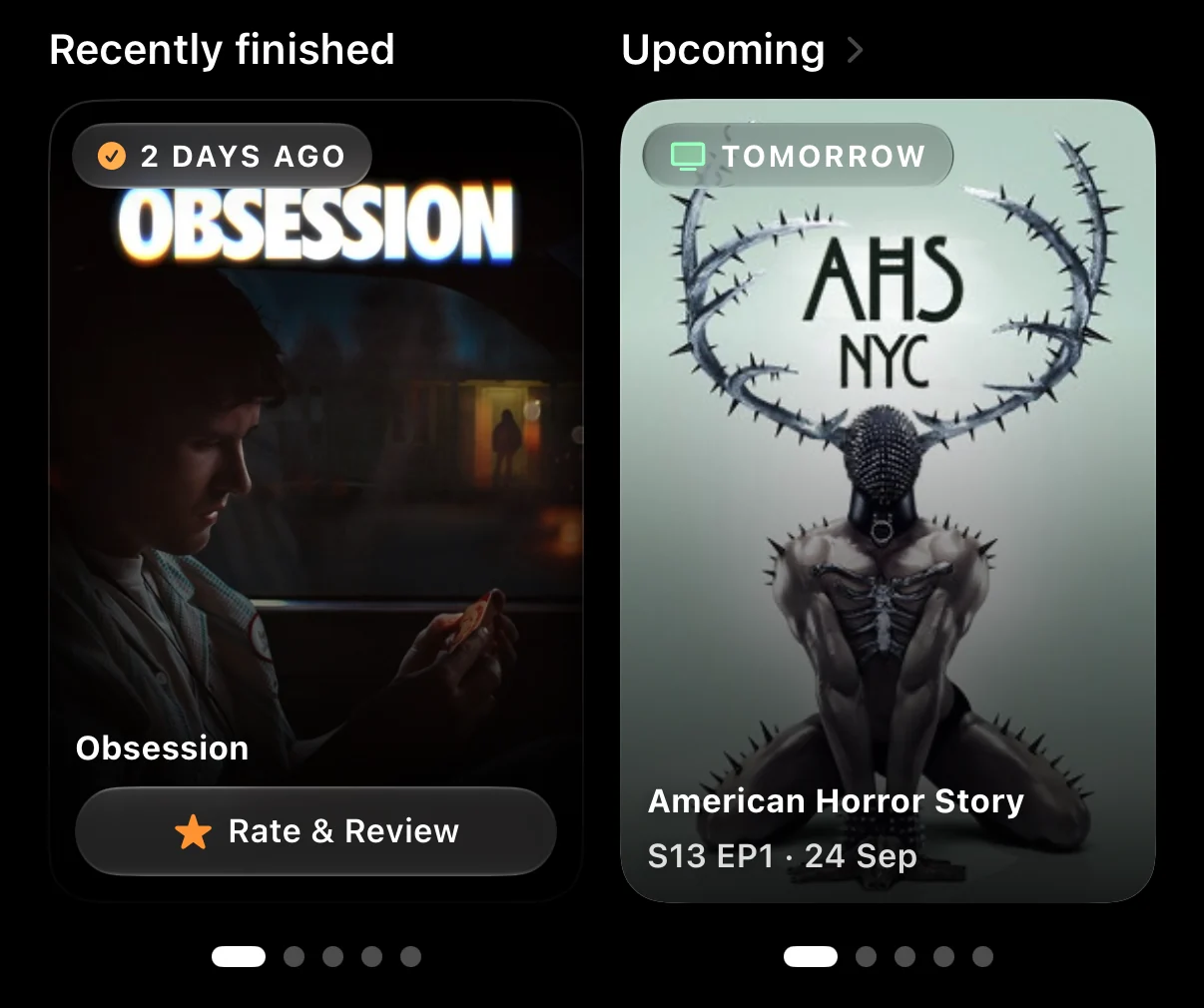
Then come two small decks side by side: things you finished recently but haven't rated, and what's coming up, which now includes the next episodes of shows you're watching as well as release dates. Further down, recommendations from friends get a section of their own.
The full poster wall hasn't gone anywhere. It's behind See all with every filter and sort it had, and any category can now be sorted or grouped by your own rating. The web app at app.laterrex.com has the new home too.
If you're a new user, the page looks different until there's something in it. It walks you through three steps (add three things, finish one, rate one), suggests a few titles to get you going, and offers to import your library from wherever you kept it before.
Imports that keep your history
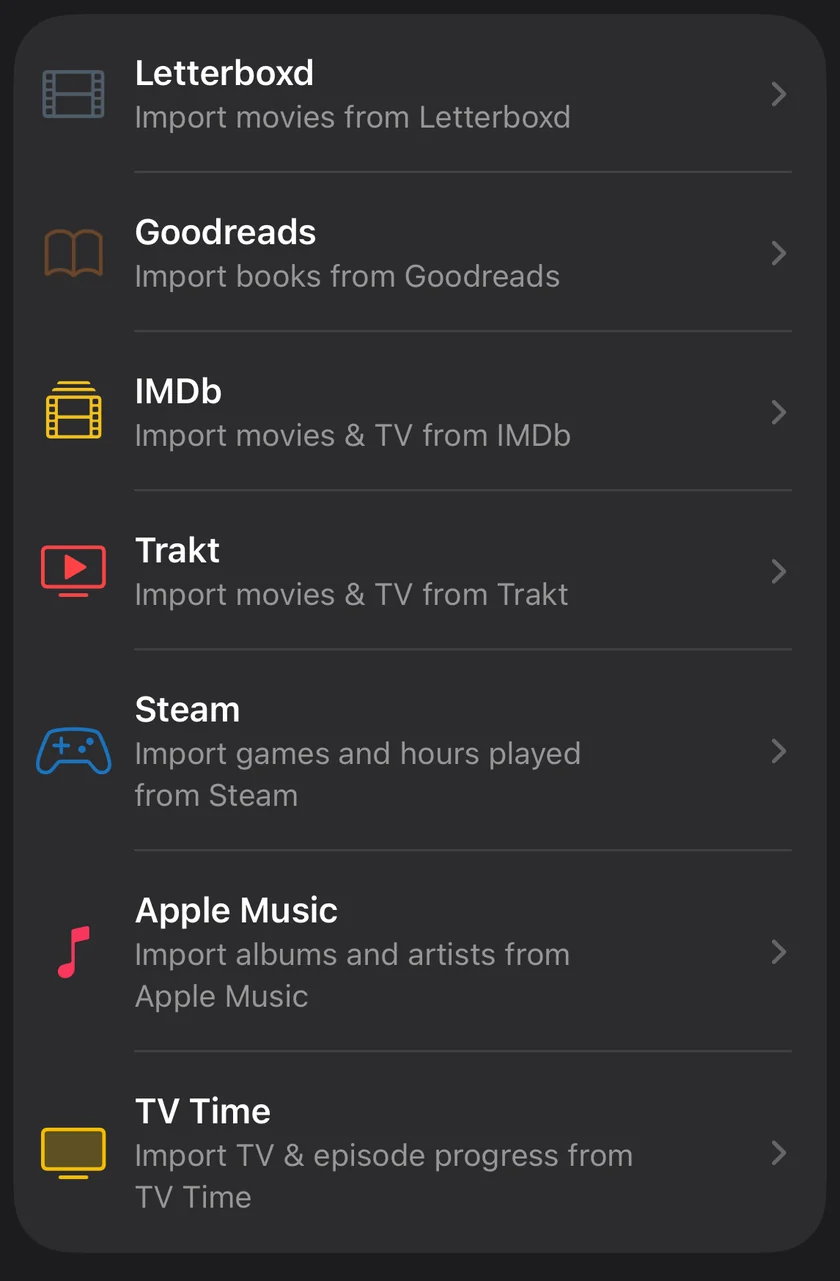
In all honesty, the imports weren't good enough. They were one of the first things I built and needed a bit more love. They stamped things with the day you ran the import rather than the day you watched them, a show you'd started could arrive marked as finished, and ratings sometimes went missing on the way. If you came over when TV Time shut down in July, some of that probably happened to your history.
So they got rebuilt. Now you hand LaterRex whatever Letterboxd, Trakt, IMDb, TV Time or Goodreads gives you when you export, zip file and all, and it reads the whole thing: ratings, reviews, lists and shelves, and the dates you actually watched or read things.
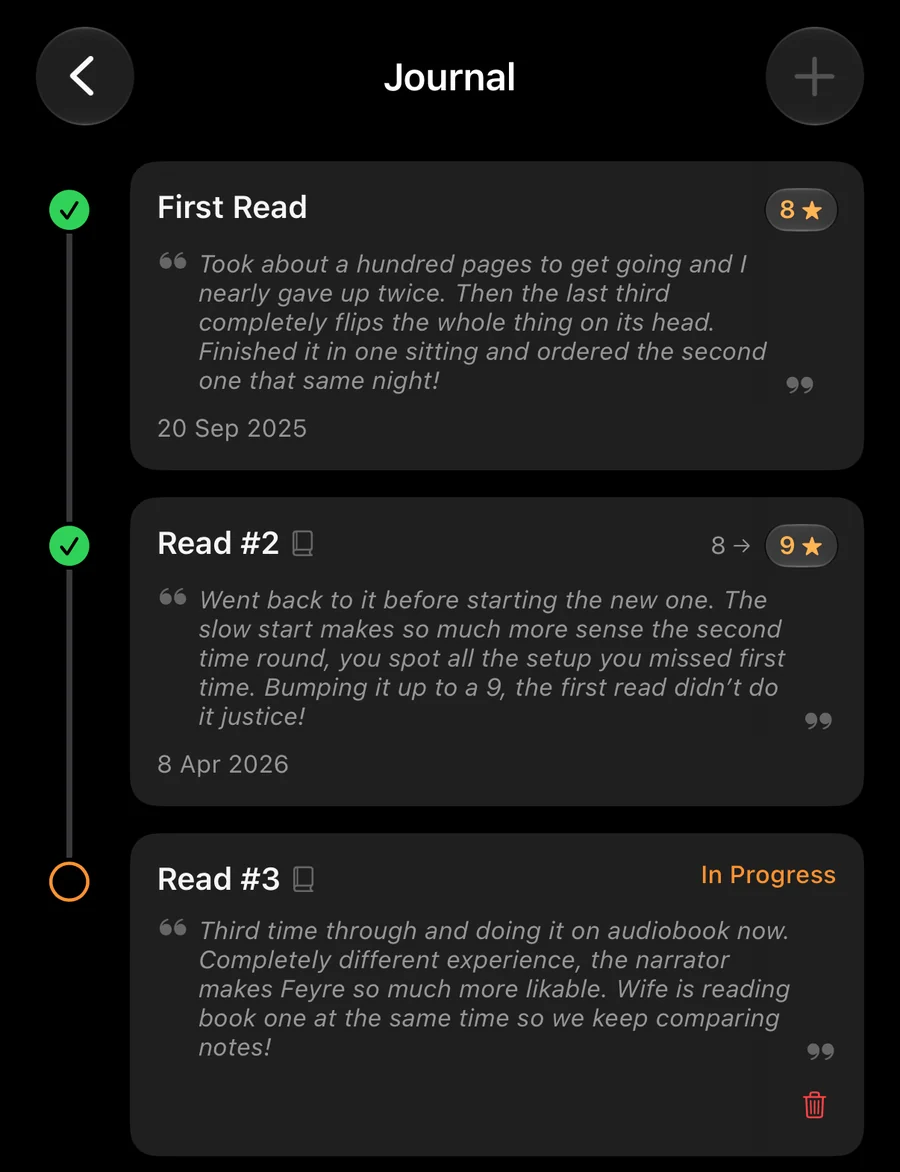
Letterboxd diaries were the fun one. Every rewatch comes in as its own journal entry with the rating you gave it that time, the same way re-reads already sit in your journal, so a book that was an 8 on the first read and a 9 on the second keeps both.
Logging rewatches is normally a Pro feature, but your first import brings the whole rewatch history across on the free tier too. An import screen felt like the worst place to put a paywall, sitting between someone and their own diary.
Reviews stay public, like they were where you wrote them, and private notes go into your journal, where only you can see them. If you reviewed the same film on three different watches, the newest becomes your review and the older ones stay with the watch they were written about, so years of changing your mind don't get squashed into one block. Letterboxd's export, sadly, doesn't say which reviews you marked as spoilers, so the results screen tells you that and leaves the warning to you.
Lists and Goodreads shelves come across too, and you choose which ones. They arrive public, and one tap makes a list private. Trakt lists even bring the notes you left on each item, and any list in LaterRex can have those now: a short line on each item saying why it's there.
Trakt and TV Time bring your episode progress, so a show you're halfway through arrives halfway through. A show you stopped watching in TV Time, or a book on your Goodreads did-not-finish shelf, arrives marked as did not finish. Big imports also keep running when you leave the app, so you can start one, lock your phone and come back to it done. Plus, they use fancy tech to make them show up on your Dynamic Island.
If you imported before any of this, run it again. It fills in the real dates and ratings on what came across the first time. And if you're trying to get a friend without an iPhone onto LaterRex, the file imports and Steam now work on the web app too. For anyone still deciding whether to switch, I've written up how LaterRex compares with Letterboxd, Trakt and Goodreads.
Credit the TikTok that sold you on it
LaterRex has always let you say who recommended something. The trouble is that a lot of what I save doesn't come from a person. It comes from a reel, a Reddit thread or a podcast.
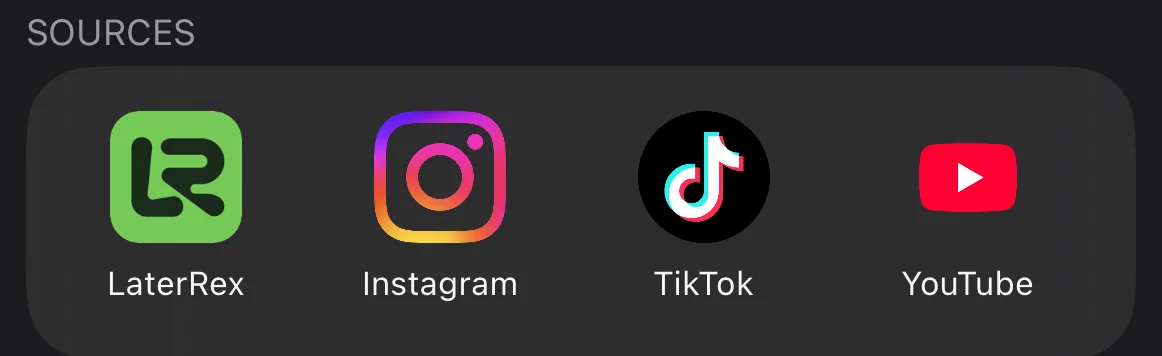
So now you can credit a source as well as a person. The recommender picker has a row of icons under your friends and contacts: Instagram, TikTok, YouTube, X, Reddit, Facebook and Pinterest, plus LaterRex itself for things you found in the app, like a pick from Trending. Anything else you add yourself: a podcast, a newsletter, a website, or whatever you want to call it. You can put a note on the credit too, like which creator it was.
A few smaller things
- Movie tracking picked up cinema trips. You can mark a watch as seen at the cinema, and in which format: Standard, IMAX, Dolby, 3D, 4DX, ScreenX or 70mm. The format shows on your review ("Saw it in IMAX"), the cinema you went to stays private, and your movie stats count the trips.
- Books and games have a Your copy section now, for the formats you own, with the edition, platform or store for each. You can note who you've lent something to and since when, or when a borrowed copy is due back. And if your edition's page count or audiobook length doesn't match ours, you can set your own.
- On the TV side, the Upcoming calendar now shows the next episodes of shows you're watching, and adding a returning show's new season to your calendar names the season, so it reads "Season 2 Premiere" instead of calling it the premiere again. Film and TV pages also list everyone who worked on them, and a person's page shows what they directed, wrote or shot as well as what they appeared in.
- Sharing an item outside LaterRex now sends a link that opens a proper page, with the poster, description, ratings and cast, so whoever gets it can see what you mean without the app or an account.
- Books can be added in one tap from search and Trending, like everything else.
- Music has its own section in Library Stats, and TV Watch Time, which used to read zero however much you'd watched, counts properly now.
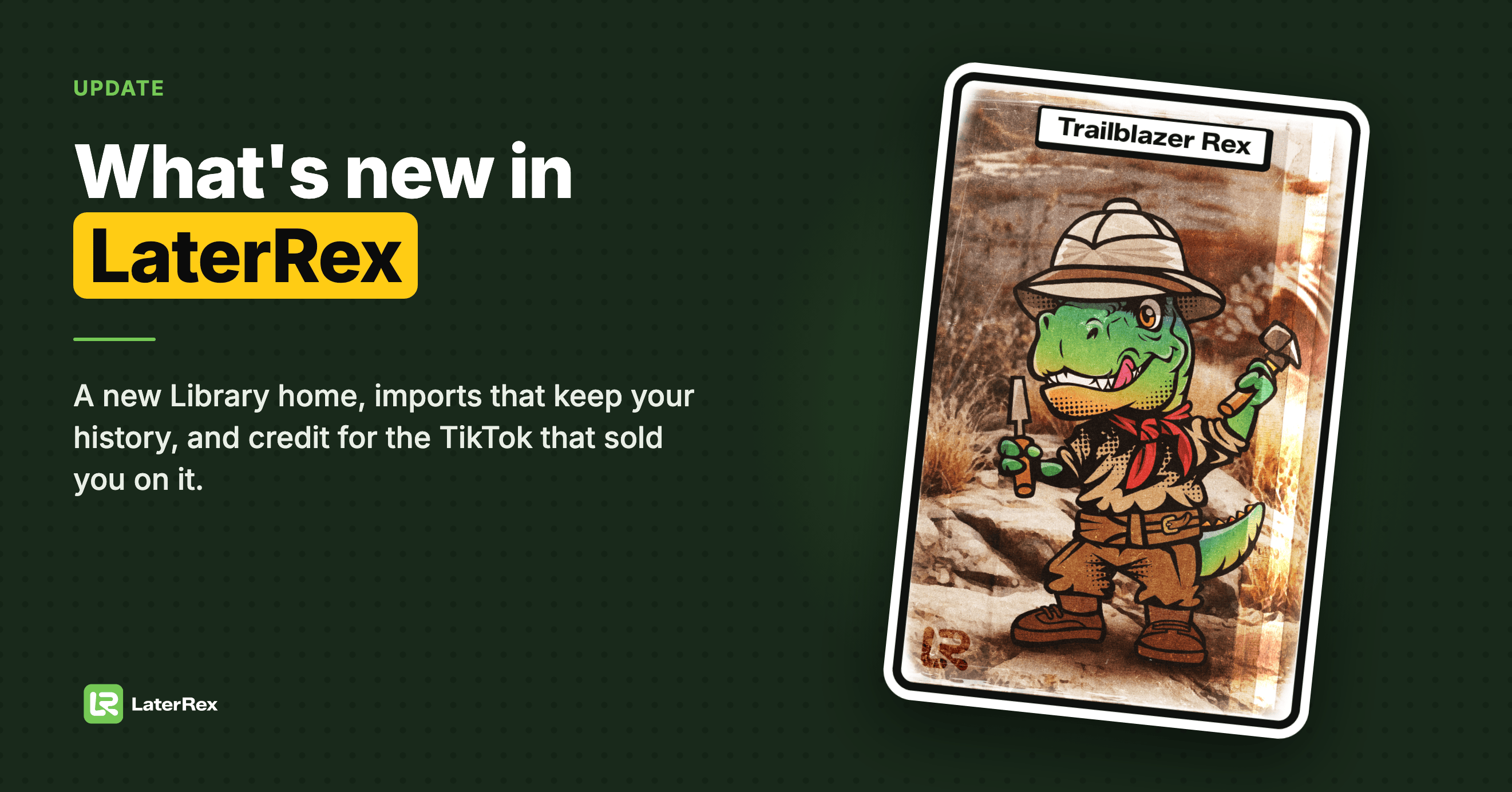
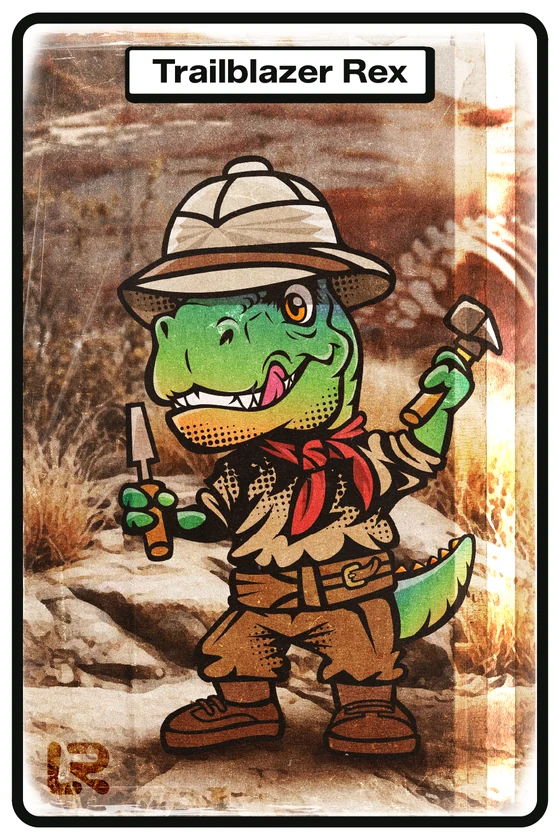
Last thing: LaterRex has had its first birthday, so there's a free Epic avatar, Trailblazer Rex, for anyone who opens the app before the end of 2026. If you've been meaning to try the new Library, that's your excuse.
And if anything in here misbehaves, Contact Support in Settings comes straight to me.